
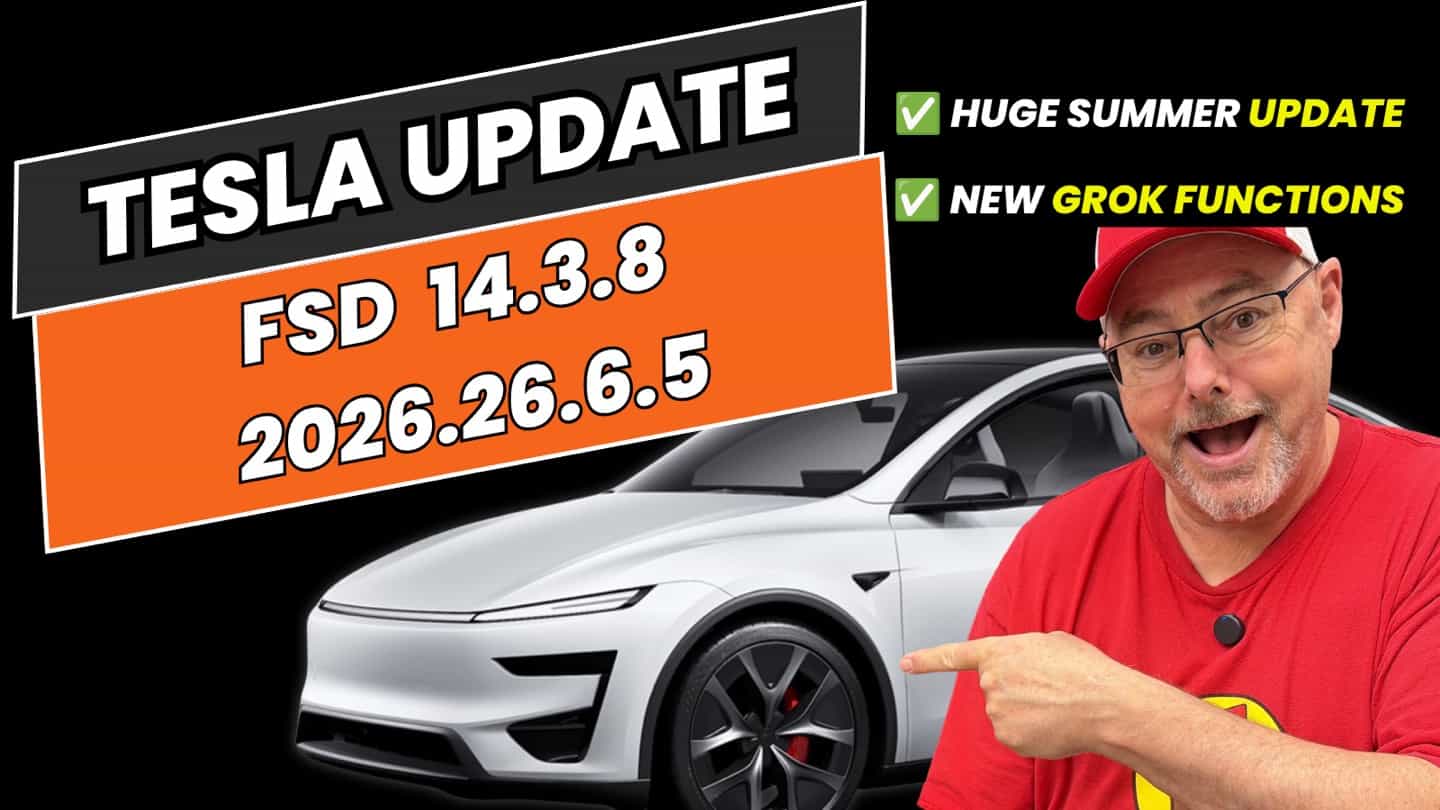
If you’ve downloaded the 2026.26.6.5 Summer Update, you already know the headline: Grok has officially taken over the voice command system in our cars. I’ve been testing this out extensively over the past week on my Model Y Juniper. When you’re putting in long hours driving around Surrey and Metro Vancouver for Uber, fumbling with the screen isn’t just annoying—it’s a distraction you can’t afford.
This update transforms Grok from a basic chatbot on the dashboard into a system that actually manipulates physical hardware.
Grok is Now a Physical Co-Pilot
The biggest game-changer is how Grok handles natural language to control the car. You don’t have to memorize robotic trigger words anymore. Tesla’s 2026 Summer Update lets Grok control the climate, mirrors, wipers, seat heaters, navigation, and even open the glovebox entirely by voice.
What really blew me away is the ability to just speak naturally. When I’ve got passengers in the back and need to queue up a specific song on a streaming service or adjust the AC, I can just ask Grok without taking my eyes off the road.
The Complete Feature List
While Grok is the star of the show, the 2026.26.6.5 update packed in a massive list of other improvements.
Here is the complete breakdown of every new feature in this release:
| Feature | What It Does |
| 🌟 GROK VOICE COMMANDS (HIGHLIGHT) 🌟 | Grok handles physical vehicle functions like phone calls, music, climate settings, opening the glovebox, and answering questions about your Tesla. You can launch it by simply saying “Hey Grok”. |
| Automatic Navigation | Learns your routines (like going to the gym or school drop-offs) and automatically suggests destinations based on your daily habits. |
| New Traction Control Modes | Choose between Auto, Slippery Surface (wet/icy roads), and Stuck Assist (snow, mud, sand) for granular control over wheelspin. |
| Caraoke Scoring | Scores your singing while parked, saving high scores directly to your Tesla profile. |
| Camera Preview | Preview exterior cameras through the service menu at any time, rather than just in Park. |
| Browser Camera & Mic Support | Allows video conferencing on platforms like Microsoft Teams using the cabin camera while parked. |
| Apple Music Improvements | Add songs directly to your queue from search results and artist pages. |
| Custom Vehicle Wraps | Send custom vehicle wrap designs directly from the Tesla mobile app to display on the in-car visualization. |
| Preferred Routes | Navigation now actively prioritizes the specific paths you historically take. |
| Set Arrival Energy | Configure how much battery reserve you want left at your destination directly from the Tesla app. |
| Rear Display Lock | Front passengers can lock the rear screen to prevent kids from changing settings. |
| Supercharger Name Search | You can now search for specific Superchargers by name directly in the navigation. |
| Self-Driving Visualization Zoom | Customize the zoom preference for your Self-Driving visualization. |
| Self-Driving Statistics | View and share your FSD stats directly from the Tesla mobile app. |
| Welcome Animations | A new sporty startup animation exclusively for Performance models. |
The Verdict
This update is a massive leap forward. Between Grok actually understanding what I need and the new Traction Control modes giving us more capability for BC winters, the car feels significantly more capable.
If you remember my post about the Model Y Juniper GPS accuracy issues, you’ll know how far the software has come in just a few months. Pair this update with the EVBASE no-drill license plate holder to keep your front sensors clear, and the Juniper is finally feeling dialed in.
How does this expanded version look to you for the blog?